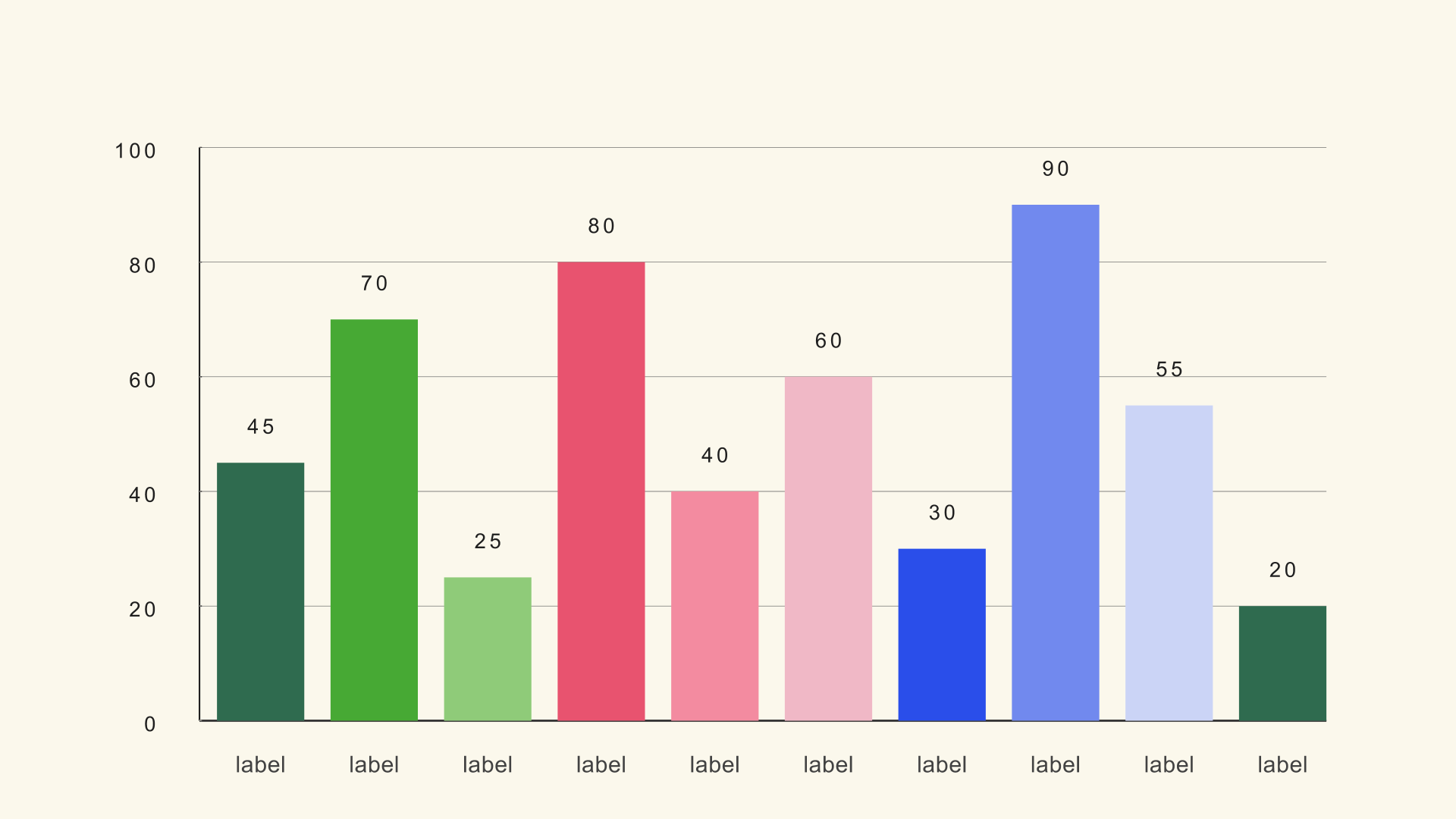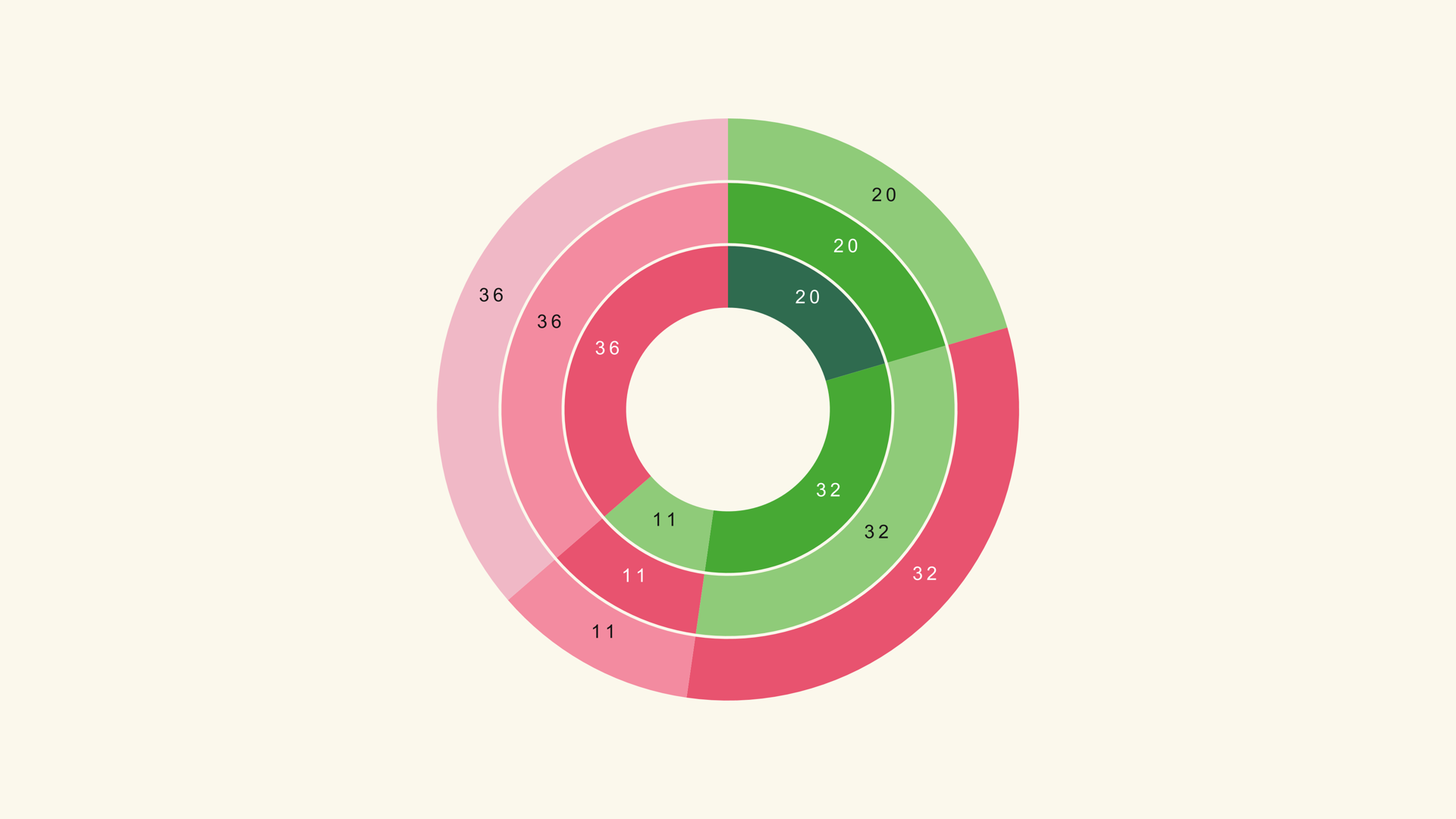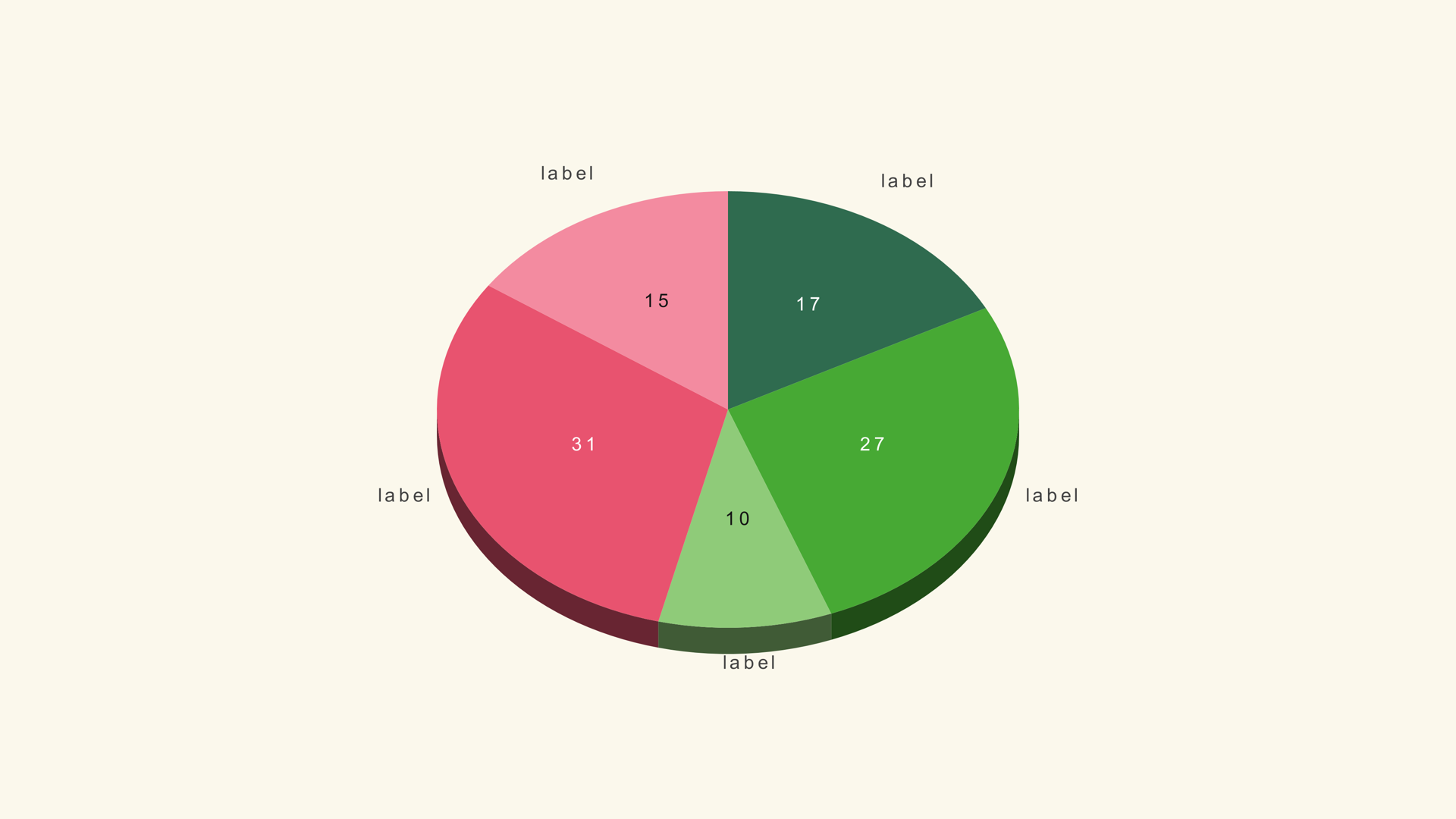
A chart template is a promise: someone else has already solved the layout, timing and export problems, and you can drop the result into your edit. Sometimes that promise holds. Sometimes you spend an afternoon renaming layers and still cannot make the numbers match the script.
This guide compares free and paid chart templates for DaVinci Resolve without pretending one category always wins. The right choice depends on how often you make charts, whether the data changes, and whether the final project needs to stay editable.
What counts as a template
In Resolve, "chart template" can mean several different things. It might be a Fusion composition with text and shape nodes, a rendered animation with alpha, a project file with a pre-built timeline, or a native generator that exposes data controls in the Inspector.
Those formats are not interchangeable. A rendered animation is the easiest to drop in and the hardest to change. A Fusion comp is editable but can be fragile when moved between machines. A native generator is a small, repeatable tool: you load data, set a scale and render.
What free gets you
Free chart templates are plentiful. YouTube tutorials often include project files, Fusion comps are shared in forums, and some editors publish simple generators. For a music video, a social clip or a one-off explainer with numbers that will never change, a free template can be the fastest route.
The trade-offs appear when the chart becomes part of a recurring workflow. Free files may use fonts you do not own, depend on a specific Resolve version, or hide the data inside dozens of Text+ nodes. Updating a number can mean hunting through the node graph and re-timing every animation by hand.
Licensing is the other variable. "Free to download" is not the same as "free to use in client work." Check the creator's terms before the chart appears in a paid deliverable, and keep a record of where the file came from.
What paid gets you
A paid chart pack should remove work, not add it. The useful ones document the controls, include sample data, support the Resolve versions you actually use and explain how to change the scale without breaking the layout. A native generator is usually the most reusable form because the data and styling are separate from the rendered image.
Noyris Charts is a paid native pack: 41 Fusion generators, 204 themes and a one-time price of $59. It is not the right purchase for someone who needs a single decorative pie chart for a personal video. It is aimed at editors who make data graphics often enough that a repeatable workflow pays for itself.
The price is only one part of the comparison. Add the time spent learning the controls, the cost of fonts, the risk of a broken project file and the value of being able to change a number after the client review. A cheap template that takes four hours to adapt is not cheaper than a documented generator that takes twenty minutes.
The questions that matter
| Question | Why it matters |
|---|---|
| Can I change the numbers without rebuilding the animation? | This is the difference between a template and a tool. |
| Does it work in Resolve Free and Studio? | Some comps rely on Studio-only features or third-party plugins. |
| Which Resolve versions are supported? | A file that opens in 18 may fail in 21, or the other way around. |
| Are the fonts included or licensed? | A missing font can change the entire layout. |
| Can I use it in client work? | The licence may restrict commercial use or redistribution. |
| Is the data imported or typed in? | CSV import saves time and reduces transcription mistakes. |
| Can another editor open the project? | Handoff matters in teams and long-running series. |
If a listing cannot answer these questions, treat it as a decorative animation rather than a data tool. That may still be fine for the job, but do not expect to update it every week.
When free is enough
Choose free when the chart is a one-off, the numbers are fixed, the deadline is short and the visual style matters more than data accuracy. A simple animated bar or pie with a handful of labels can be built in Fusion or found in a free pack without much risk.
Free is also reasonable when you are learning. Building a chart by hand teaches you how scale, labels and timing work. That knowledge makes you a better judge of paid tools later.
When paid wins
Pay when the chart is part of a repeatable process. A weekly finance show, a client reporting package, a documentary series or a social channel that publishes data every day all benefit from a consistent generator. The value is not only the first chart; it is the tenth chart, when the style, data mapping and animation already work.
Paid also wins when the chart needs to survive review. If a client can ask for a new number after the first render, a native generator with an Inspector is much easier to update than a baked animation. The same applies to accessibility and brand consistency: a documented control set is easier to audit than a folder of unnamed nodes.
How to test before buying
Start with the free sample. Load your own CSV, change the scale, try a theme and render a short clip. Check whether the chart survives your actual output size. A template that looks good in a still may fail on a phone or after compression.
Then try the handoff. Close Resolve, reopen the project and confirm the chart still works. If you work with another editor, ask them to open it on a different machine. A template that only works on the machine where it was built is a liability.
The bottom line
Free templates are a good deal for one-off graphics and learning. Paid native generators are a better deal when the chart is a recurring part of the edit. The purchase decision should be based on the number of updates, the cost of a broken handoff and the value of a consistent look, not on the sticker price alone.
Next steps
If you want to see the native workflow before deciding, read How to Make Charts and Graphs in DaVinci Resolve and browse the chart reference. The free sample pack is a low-risk way to test the install and the generator controls on your own machine.